Skip to content

Accurate measurements start with calibration

From a single lens to a full multi-camera test rig – we provide the tools to calibrate quickly, reliably and with traceable accuracy.

Two ways to calibrate

Calibration is how TEMA learns exactly how each camera sees your test, so that every pixel it tracks can be turned into a real-world distance, speed or angle you can trust.

TEMA offers two complementary calibration methods, each paired with purpose-built hardware or software from Image Systems. Use one, or combine them, depending on your setup.

26
24

Lens calibration

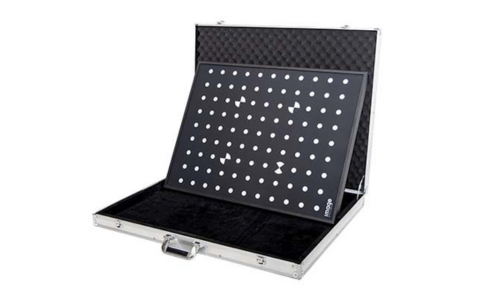
Tool: Lens Calibration Board

What is answers: How does this lens distort the image? 

Best for: Any setup, especially before 2D or 3D analysis with a new lens or focus setting 

What you use: A flat, precision-printed calibration board 

Result: A lens profile you can export and reuse 

Multi-camera calibration

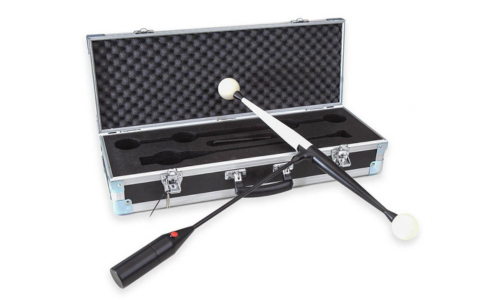
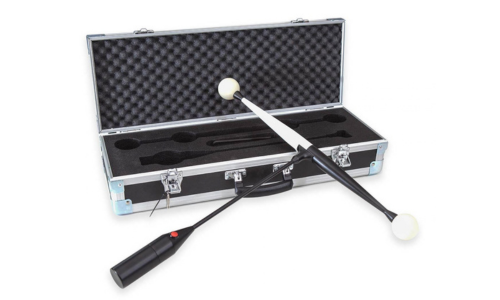
Tool: 3D Wand

What is answers: Where is each camera, and how do they see the scene together?

Best for: 3D motion analysis with two or more high-speed cameras

What you use:  An illuminated, calibrated carbon-fibre wand

Result:  Orientation, focal length and distortion for all cameras at once 

Lens calibration with the Lenscaliboard

Untitled design (31)

Know your lens, remove the distortion.

Every lens bends the image slightly – straight lines curve, and objects near the edge of the frame appear in the wrong place. Lens calibration measures exactly how your lens behaves, so TEMA can correct for it before any measurement is made.

Why the Lenscaliboard
  • High accuracy: 0.02 mm printing accuracy and flatness error below 0.1 mm, delivered with a certificate
  • Sizes to match your field of view: A1, A3, A5 and A7
  • Built for the test floor: robust frame that handles humid, hot, dusty and high-impact environments
  • New: A1 version with a super anti-reflective dark layer, so you can calibrate high-speed camera lenses even under intense light.

How it works

What you get

Place the Lens Calibration Board in front of the camera.

Record images of the board, and slowly move it throughout the test volume at different angles.

The software automatically recognises the pattern, and calculates the lens parameters from the known points.

Export the lens profile and reuse it whenever you use the same lens and settings.

Calculated focal length in pixels and millimeters, correcting residuals after focusing

Precise 3D camera orientation

Radial distortion coefficients

Principal point and pixel aspect ratio

Multi-camera calibration with the 3D Wand

24

Calibrate every camera at once.

For 3D motion analysis, TEMA needs to know where each camera is and how they see the scene together. The 3D Wand is a calibrated, illuminated wand that calibrates the orientation, distortion and focal length of multiple cameras simultaneously – directly on the scene.

Why the 3D Wand
  • One step for all cameras: calibrate the whole setup at the same time instead of camera by camera
  • Scales with your test: measurement volumes from 1 × 1 × 1 m up to 10 × 10 × 3 m
  • Stable and precise: calibrated carbon-fibre tube with 3D-printed LED bulbs
  • Portable: battery-powered, with an optional rugged carrying case
  • Intuitive workflow: real-time measurement, integrated with high-speed cameras

Typical applications: airbag deployment, pedestrian protection and sled tests; biological soft-tissue analysis; bearing-failure investigations; civil engineering.

How it works

What you get

Assemble and customize the wand on site, no special tools needed.

Move and rotate the illuminated wand through the measurement volume while all cameras record.

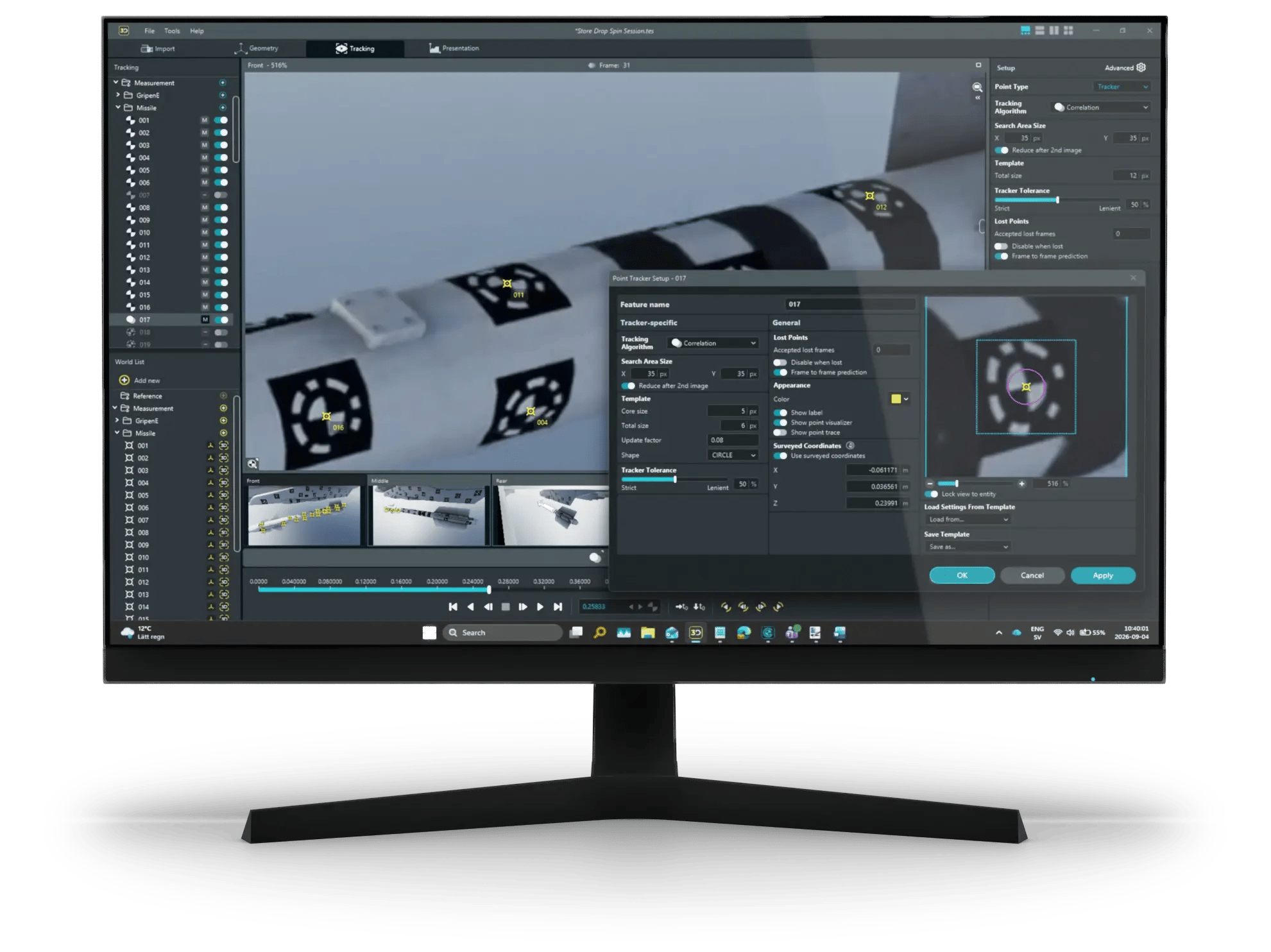
TEMA detects the LED marker locations automatically through the in-software wizard.

TEMA calculates the lens and position calibration for every camera in real time, and you're ready to measure in true 3D.

Camera orientation for every camera in the setup

Focal length for each camera

Radial distortion coefficients

Lens distortion correction for each camera

A shared 3D coordinate system, ready for 3D motion analysis

Frequently asked questions

Which method of calibration do I need?
  • Working with one camera in 2D? Start with lens calibration, so distortion doesn't skew your results.
  • Tracking motion in 3D with two or more cameras? Use the 3D Wand to calibrate all cameras together in the test volume.

Better together. In a typical crash or sled test the methods complement each other: The 3D Wand calibrates the high-speed cameras around it, and lens profiles from the Lenscaliboard keep every image free from distortion. The result is one consistent coordinate system from setup to analysis.

How often do I need to calibrate?

Recalibrate the lens whenever you change lens or focus. Recalibrate cameras with the 3D Wand whenever a camera is moved or the setup changes.

Most lenses can exhibit focus breathing, which changes the focal length when adjusting the focus. This requires a recalibration as it changes how the pixels map to locations in 2D and 3D space.

Do I need special lighting?

No. The 3D Wand is self-illuminated, and the anti-reflective A1 Lenscaliboard works under ordinary lighting.

Can I reuse a calibration?

Yes. Lens profiles can be exported and reused with the same lens.

Does it work with my cameras?

TEMA Calibration is designed for all types of cameras and lenses for an ever-expanding assortment of container formats and codecs, and we support all commonly found formats out of the box. Contact us to check your specific setup.

ScreenshotFauxScreen_storeRelease

Ready to get more accurate results?

Our application engineers can help you choose the right calibration tools for your test setup.